Run the
whole show.
Your agents, shells, and machines.
One workspace. You in command.
Apple silicon · Open source · No account
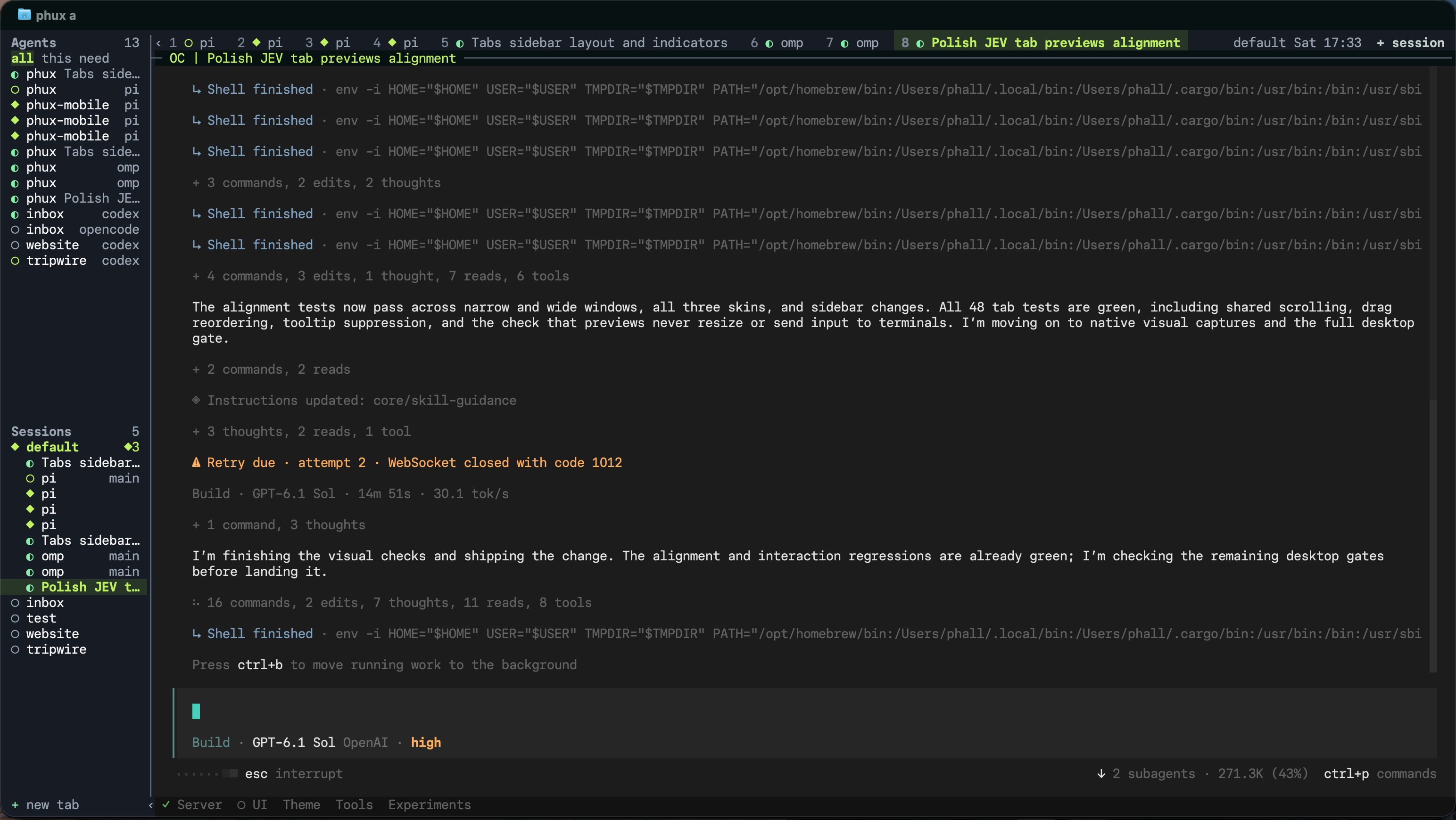
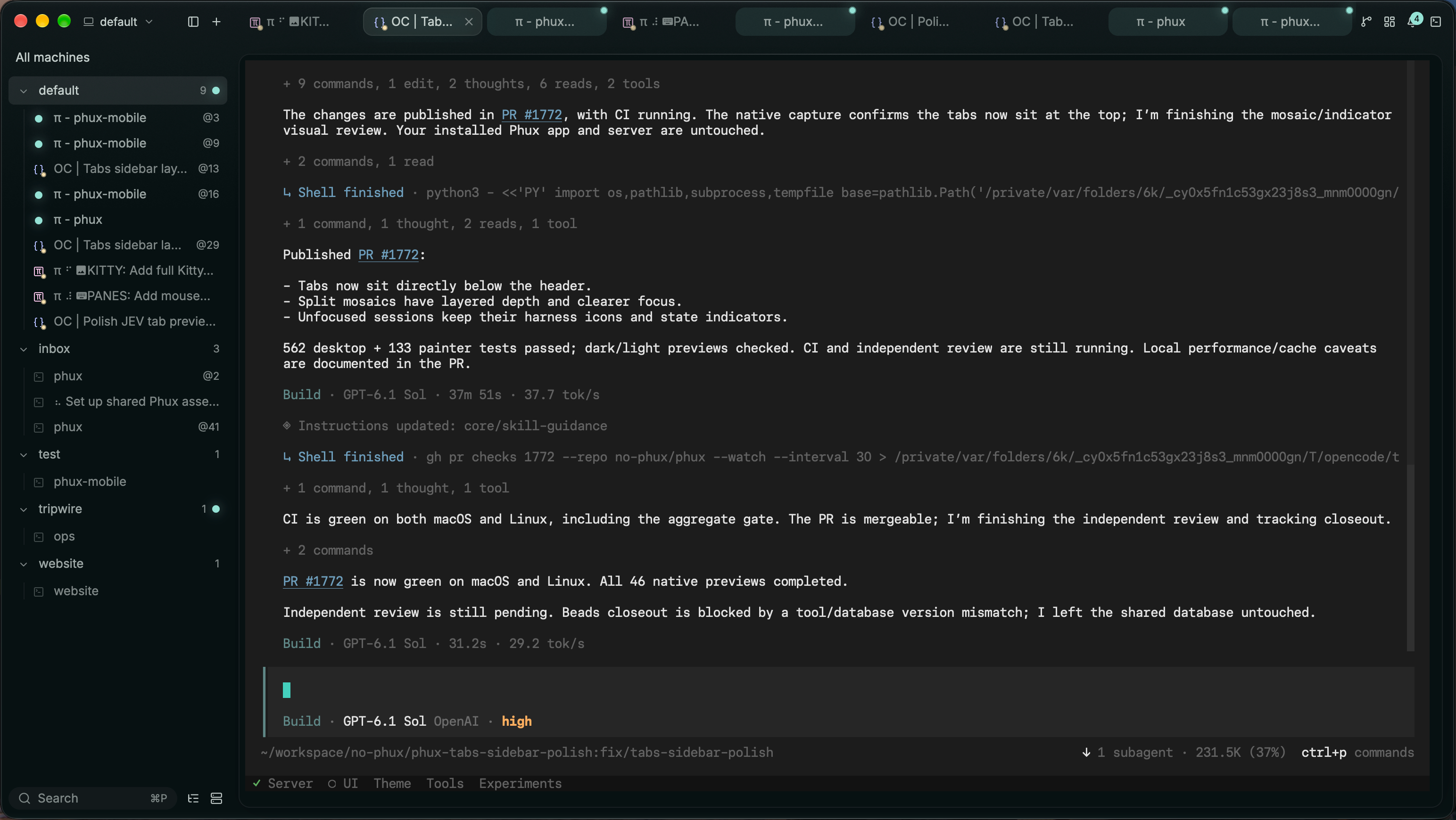
More agents.
Less babysitting.
See who’s working, who’s waiting, and where you’re needed.
Meet your command centerYour machines.
Within reach.
Bring local and remote work into the same workspace.
Connect your machinesSwitch the view.
Keep the work.
Leave a client. Your agents and shells keep running on the server.
Choose your viewTry it. Make it yours.
A disposable workspace in your browser. Type, split, explore.
The workspace connects when it comes into view.
Open the glass workspace ↗Limited edge shell · no sign-in
A little more command.
A lot less chaos.
Make room for the work you actually want to do.
Get Phux for Mac CLI & other platforms ↗